PLUGINS
LiteBring your own formats.
When our built-in importers don’t cover a format you use — or your team has its own proprietary serialization — write a single JavaScript file and drop it in your plugins folder. Rostyman loads it next time it starts.
Why this is different
Most API clients have no extension model at all — what ships is what you get. Rostyman lets you extend the import and export pipeline today. Plugins live in your own directory, run locally, and never phone home.
Available today
Four plugin kinds covering collection + environment ingestion and emission.
Import plugins
Parse any file format into a Rostyman collection. Great for proprietary company formats, niche specs, or anything our built-in importers don’t cover.
Export plugins
Serialize a collection into any file format. Produce the exact shape your CI tooling, documentation pipeline, or archival system expects.
Environment importers
Ingest environment variables from your own tooling — .env dialects, legacy key-value formats, encrypted company exports.
Environment exporters
Emit environments in any format — k8s ConfigMaps, Terraform vars, docker-compose, whatever your deploy pipeline eats.
One file. One folder. Done.
No npm install, no build step. Just a self-contained JavaScript file with a manifest at the top.
~/.rostyman/plugins/acme-importer.plugin.js
// @rostyman-plugin
// name: ACME Collection Importer
// version: 1.0.0
// kind: import
// extensions: .acme, .acme.json

export default {
  parse(fileContent) {
    const data = JSON.parse(fileContent)
    return {
      name: data.projectName,
      requests: data.endpoints.map((e) => ({
        name: e.title,
        method: e.verb,
        url: e.path,
        headers: e.headers || {},
      })),
    }
  }
}
Drop the file into ~/.rostyman/plugins/ and it appears in the Import dialog next launch.
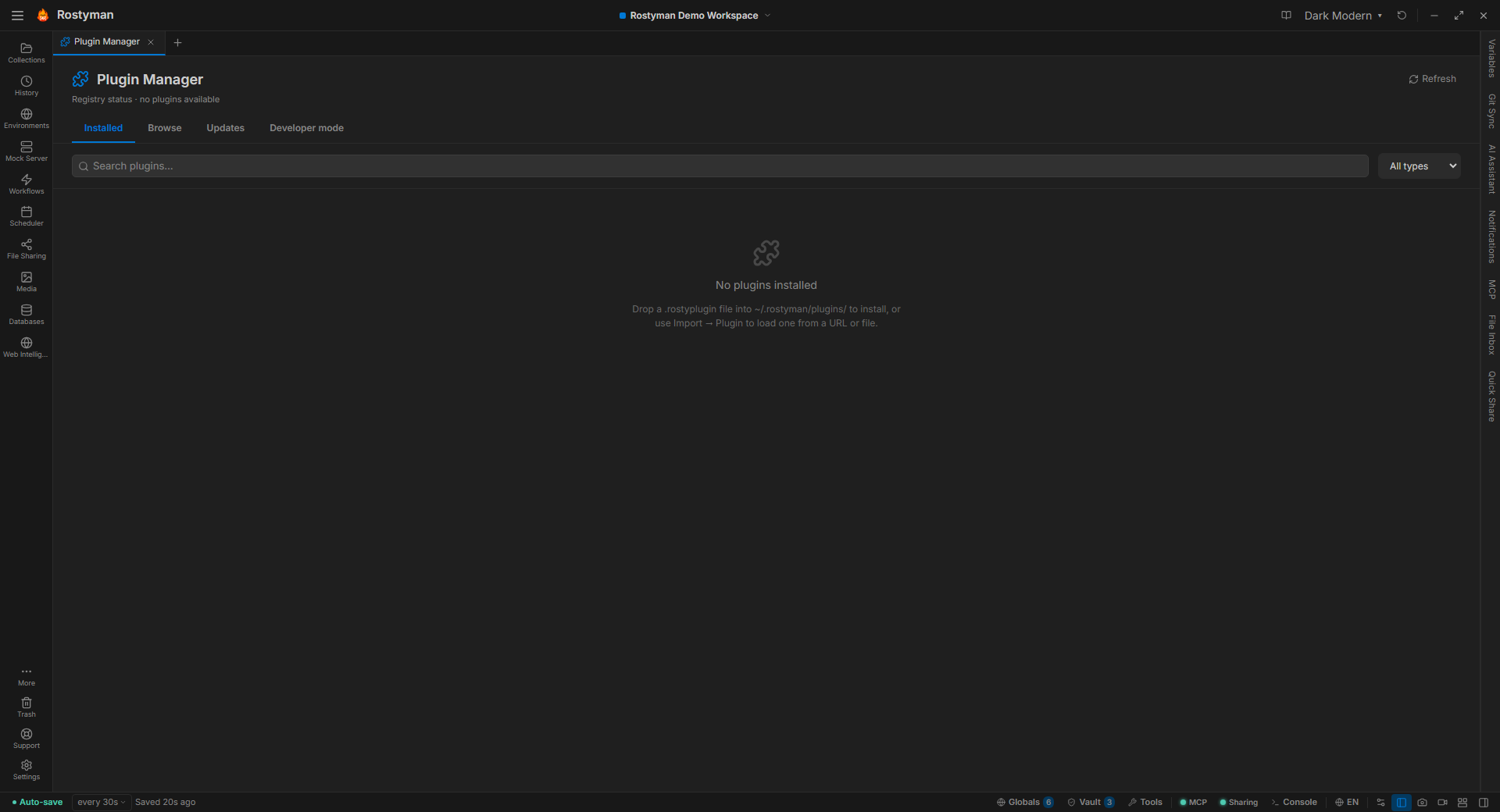
Plugin Manager built in
A dedicated tab to see every installed plugin, uninstall with one click, and iterate on your own plugins without restarting.
Installed
Every plugin you’ve added, with its kind, version, and matched file extensions at a glance.
Developer mode
Point at a folder and Rostyman reloads your plugin every time you save. No restart cycle when you’re iterating.
One-click uninstall
Remove a plugin and Rostyman cleans up registrations. No leftover state, no registry fiddling.
Local. Private.
Plugins load from a folder you own. They run with a restricted scope — no raw access to the network, the filesystem outside your input, or privileged Node globals. They never phone home, and we never have a registry that sees what you’ve installed.
Write your first plugin.
A single JavaScript file and a folder. That’s the whole setup.