SCHEDULER
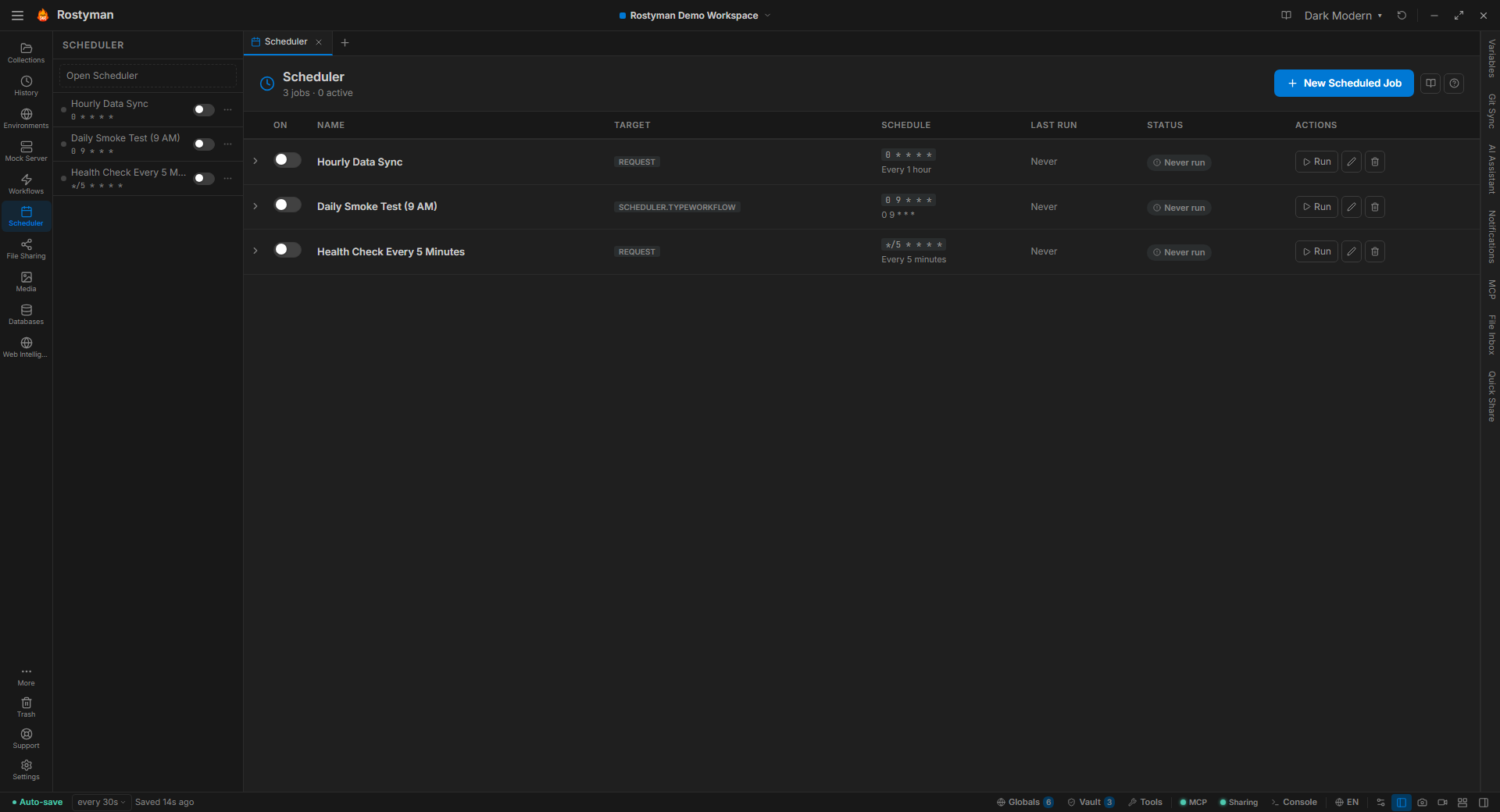
LiteCron for your API — without the cron server.
Health checks, data syncs, scheduled audits, daily reports. Run any request, collection, workflow, or browser test on a schedule — entirely on your machine.
Why this is different
Most API clients stop at sending requests manually. Hosted monitoring services are cron, but they require uploading your entire collection, credentials, and response history to a stranger. Rostyman runs cron locally — your laptop, your server, your data center. No leakage, no subscription.
Cron-based scheduling
Write cron expressions directly, pick a human-friendly preset, or describe a schedule in plain English and let the AI convert it.
Cron expression
Full 5-field cron syntax — every 15 minutes, at 3am daily, weekdays at 9am. Type any valid cron or let the AI convert plain English.
Interval presets
Human-friendly presets — every 1, 5, 15, 30 minutes, hourly, every 6 or 12 hours, daily, or weekly. Pick one and you’re done.
Retry on failure
Configurable max retries (up to 5). Re-runs automatically after a short delay if the previous attempt failed.
Failure alerts
Desktop notification the moment a run fails. No dashboards to babysit.
Timezones
Runs in the zone you pick — not your server's UTC clock.
What you get
Set it and forget it. Locally.
Your scheduler runs even when Rostyman is minimized to the tray.
Download Free